How to Track an iPhone Location from Another iPhone
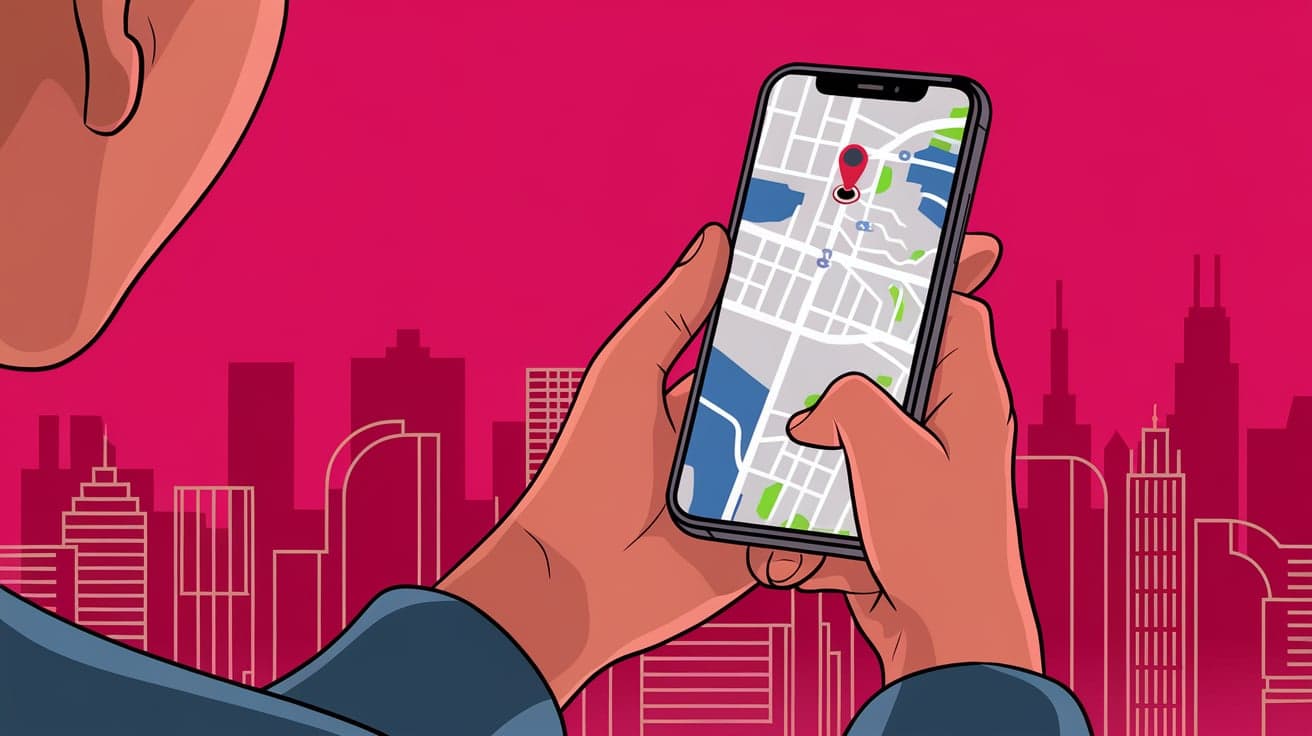
Losing an iPhone or wanting to check someone’s location can feel overwhelming, especially when you don’t know where to start. Fortunately, Apple has made tracking an iPhone location straightforward with its built-in tools like Find My. Whether you misplaced your phone, want to ensure your child or loved one is safe, or simply need to keep an eye on shared devices, tracking an iPhone from another iPhone is incredibly simple.
In this guide, I’ll walk you through every method step by step so you can locate a device quickly and easily.
Why Would You Need to Track an iPhone?
There are several situations where tracking an iPhone becomes important:
Lost or Stolen Device: Find My can help you locate your iPhone if it’s misplaced or stolen.
Family Safety: Parents can track their kids’ locations to ensure their safety.
Shared Devices: It’s helpful for work-related iPhones or shared accounts within families.
Emergency Situations: Quickly locating someone during an emergency can make a big difference.
Now let’s dive into how you can track an iPhone location from another iPhone.
Using Find My to Track an iPhone
Apple’s Find My app is the easiest and most reliable way to track an iPhone. It comes pre-installed on all iPhones and works seamlessly with your Apple ID.
Setting Up Find My on the iPhone You Want to Track
Go to Settings: Open the Settings app on the iPhone you want to track.
Tap Your Name: At the top, tap your Apple ID.
Select “Find My”: Scroll down and tap “Find My.”
Turn on Find My iPhone: Toggle the switch to enable tracking.
Enable Location Sharing: Ensure “Share My Location” is turned on.
Tracking the iPhone Using Another iPhone
Open the Find My App: On your iPhone, launch the Find My app.
Sign in with Apple ID: Use the same Apple ID linked to the iPhone you’re tracking.
Select the Device: Tap on the device’s name from the list. The location will appear on the map.
Play a Sound or Enable Lost Mode: If you’ve lost the iPhone, use these features to locate it or lock it remotely.
Sharing Location with Family and Friends
If the person you’re tracking agrees to share their location, Apple’s location-sharing feature makes it easy to track their iPhone from yours.
Steps to Share Location
Go to Find My: Open the Find My app on the iPhone you want to track.
Tap “Share My Location”: Under the “People” tab, tap the “+” button and add the other iPhone’s contact.
Send Location Request: The person receiving the request must accept it to start sharing their location.
Viewing the Shared Location
Open Find My: On your iPhone, launch the Find My app.
Tap “People”: You’ll see the name of the person sharing their location with you.
Track in Real-Time: Their live location will appear on the map.
This method is great for keeping track of family members, especially during travel or events.
Using iCloud to Track an iPhone
If you don’t have the Find My app installed on the tracking iPhone, you can use iCloud instead.
Steps to Track an iPhone via iCloud
Open a Browser: On your iPhone, open Safari or any browser.
Visit iCloud.com: Go to iCloud.com and log in with your Apple ID.
Click “Find iPhone”: Once logged in, select the “Find iPhone” option.
Choose the Device: From the list of devices, select the iPhone you want to locate.
iCloud will display the device’s last known location on a map. This is a helpful backup if the Find My app isn’t available.
Tracking an iPhone Without iCloud or Find My
What if the Find My app or iCloud isn’t enabled on the iPhone you’re trying to track? While your options are limited, there are still a few possibilities:
Third-Party Apps: Apps like Life360 or Google Maps offer real-time location sharing. These apps must be installed and configured beforehand.
Carrier Services: Some mobile carriers, like Verizon and AT&T, offer location-tracking services for family plans.
Keep in mind, these methods require prior setup and may not be as accurate as Apple’s Find My.
Tips for Tracking an iPhone Safely
While tracking an iPhone is convenient, it’s important to do so responsibly and ethically.
Always Get Permission: Make sure the person whose iPhone you’re tracking has given their consent.
Use Strong Passwords: Protect your Apple ID with a strong password to prevent unauthorized access.
Regularly Update Software: Keeping your devices updated ensures compatibility and better location accuracy.
Enable Two-Factor Authentication: Add an extra layer of security to your Apple ID for safe tracking.
Troubleshooting Common Issues
Tracking an iPhone isn’t always perfect. Here are some common problems and how to fix them:
Location Not Updating
Check Internet Connection: Ensure both iPhones have a stable Wi-Fi or cellular connection.
Enable Location Services: Go to Settings > Privacy > Location Services and turn it on.
Device Not Showing in Find My
Sign In with the Same Apple ID: Ensure the tracking iPhone is logged into the same Apple ID as the device being tracked.
Turn on Find My: Verify that Find My is enabled on the tracked iPhone.
Conclusion
Tracking an iPhone location from another iPhone is easier than ever, thanks to Apple’s built-in tools. Whether you use Find My, iCloud, or location-sharing features, each method ensures you can locate a device quickly and accurately. With proper setup and a little practice, you’ll have peace of mind knowing your iPhone or loved ones are just a tap away. Remember to always use tracking tools ethically and responsibly.
FAQs
Can I track an iPhone without the Find My app?
Yes, you can use iCloud.com in a browser to locate an iPhone as long as Find My is enabled on the tracked device.
Do I need the same Apple ID to track another iPhone?
If you’re using Find My, the devices need to share the same Apple ID unless location sharing is enabled.
Can I track a lost iPhone if it’s offline?
Yes, Find My can show the last known location of your iPhone even if it’s offline. You can also enable the “Notify When Found” feature.
What happens if I lose my iPhone and Find My isn’t set up?
Unfortunately, if Find My isn’t enabled beforehand, you won’t be able to track the device. Consider setting it up immediately after getting a new iPhone.
Is it legal to track someone’s iPhone?
You should always get permission before tracking someone’s device. Unauthorized tracking can violate privacy laws and lead to legal consequences.
Also read -