How to Jailbreak iPhone: A Beginner’s Guide
Jailbreaking your iPhone is a process that lets you break free from Apple’s restrictions, allowing you to customize your device, install apps from outside the App Store, and unlock features not officially supported by Apple. While this process can provide more control over your phone, it also comes with risks, such as voiding your warranty or exposing your device to security vulnerabilities.
This guide will help you understand what jailbreaking is, why you might consider doing it, and how to jailbreak your iPhone step by step. Whether you’re curious about the possibilities or ready to take the plunge, we’ll cover everything you need to know.
What Is Jailbreaking?
Jailbreaking removes Apple’s software limitations on your iPhone. It gives you root access to the operating system, allowing you to modify system files, install apps not available on the App Store, and customize your device in ways that Apple normally restricts.
Key Features of Jailbreaking:
Customizations: Change themes, icons, and layouts.
Third-Party Apps: Access apps not allowed on the App Store.
Advanced Features: Enable functionality like file management, system tweaks, and more.
However, jailbreaking can also expose your device to malware or other security risks, so proceed cautiously.
Why Jailbreak an iPhone?
People jailbreak their iPhones for various reasons. Here are the most common ones:
Advantages:
Customization: Personalize your phone with unique themes, widgets, and layouts.
Access Third-Party Apps: Install apps that Apple doesn’t approve for the App Store.
Unlock Features: Enable functionalities like screen recording, tethering, and advanced file management.
Remove Pre-Installed Apps: Get rid of unwanted apps that come preloaded on your iPhone.
Disadvantages:
Void Warranty: Jailbreaking voids Apple’s warranty.
Security Risks: Your device may become vulnerable to malware or hacking.
Unstable Software: Some jailbroken apps or tweaks can cause your phone to crash.
Preparing to Jailbreak Your iPhone
Before you start, ensure your iPhone is ready for the process. Follow these steps:
1. Check Compatibility:
- Jailbreaking tools vary by iOS version. Check that your iPhone and iOS version are supported by the jailbreaking tool you plan to use.
2. Backup Your Data:
- Use iCloud or iTunes to back up your iPhone. Jailbreaking can potentially erase data or cause issues, so having a backup is essential.
3. Disable Find My iPhone:
Go to Settings > [Your Name] > Find My > Find My iPhone and toggle it off.
You’ll need your Apple ID password to do this.
4. Ensure Sufficient Battery:
- Charge your iPhone to at least 80% to avoid interruptions during the process.
How to Jailbreak iPhone: Step-by-Step Guide
Here’s a general guide to jailbreaking your iPhone. The exact steps depend on the tool you use, but the process is similar.
Step 1: Choose a Jailbreaking Tool
Popular tools include Checkra1n, Unc0ver, and Taurine.
Download the tool from the developer’s official website to ensure safety.
Step 2: Install the Tool on Your Computer
For tools like Checkra1n, you’ll need a Mac or Linux computer.
Follow the installation instructions provided on the tool’s website.
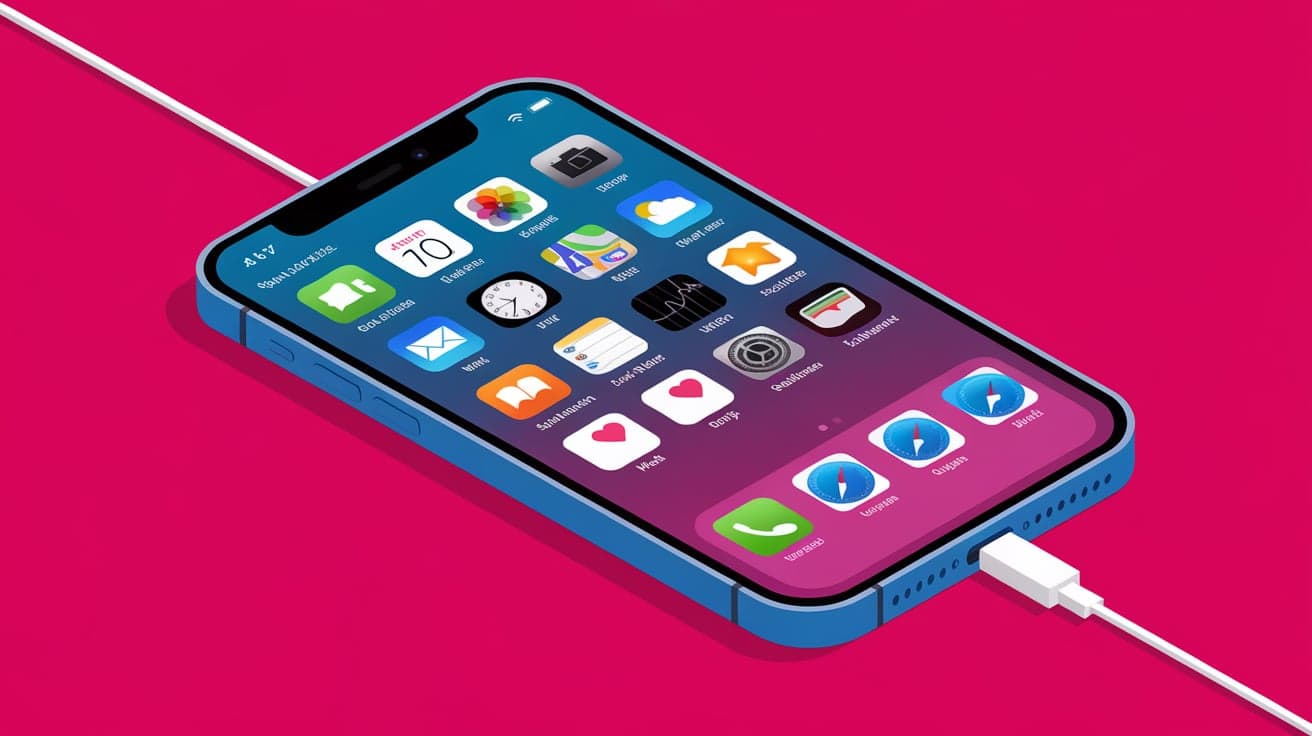
Step 3: Connect Your iPhone
- Use a USB cable to connect your iPhone to your computer.
Step 4: Run the Jailbreaking Tool
Open the tool on your computer and follow the on-screen instructions.
Most tools will put your iPhone into DFU (Device Firmware Update) mode to begin the jailbreaking process.
Step 5: Complete the Jailbreak
Once the process is complete, your iPhone will restart.
A new app, such as Cydia or Sileo, will appear on your home screen. This app lets you install jailbroken apps and tweaks.
What to Do After Jailbreaking
Once your iPhone is jailbroken, there are a few things you should do to get started:
1. Install a Package Manager:
- Apps like Cydia or Sileo are essential for managing and installing tweaks on your jailbroken iPhone.
2. Browse Jailbreak Tweaks:
- Explore tweaks that improve your phone’s functionality, such as custom themes, advanced multitasking, or battery-saving tools.
3. Stay Updated:
- Keep an eye on updates for your jailbreaking tool and installed tweaks to maintain compatibility and security.
Risks and Precautions of Jailbreaking
Jailbreaking offers exciting possibilities but comes with risks. Here’s what to watch out for:
Security Risks:
- Jailbroken devices are more vulnerable to malware and unauthorized access. Avoid installing tweaks from untrusted sources.
Warranty Issues:
- Apple won’t provide support for jailbroken devices. To restore warranty coverage, you’ll need to un-jailbreak your iPhone by restoring it via iTunes.
Software Instability:
- Some tweaks may not work well together, causing apps or the system to crash. Only install well-reviewed tweaks to minimize issues.
How to Un-Jailbreak Your iPhone
If you decide jailbreaking isn’t for you, you can restore your iPhone to its original state. Here’s how:
Steps:
Backup Your Data:
- Use iCloud or iTunes to save important files.
Restore via iTunes:
Connect your iPhone to your computer and open iTunes.
Select Restore iPhone to erase the device and reinstall the latest iOS version.
Set Up as New:
- During setup, choose to restore from your backup to get your data back.
Conclusion
Jailbreaking your iPhone opens up a world of possibilities, from customizing themes to installing apps outside the App Store. However, it’s not without risks. Make sure you understand the potential consequences, such as voiding your warranty or exposing your phone to security threats.
If you’re ready to take the leap, follow the steps above to jailbreak your iPhone safely. And if you decide it’s not for you, un-jailbreaking is always an option. Remember, jailbreaking is a personal choice, and the benefits should outweigh the risks for your specific needs.
FAQs
1. Is jailbreaking an iPhone illegal?
Jailbreaking is legal in most countries, but it violates Apple’s terms of service, which can void your warranty.
2. Will jailbreaking erase my data?
The jailbreaking process itself doesn’t erase data, but issues can arise. Always back up your iPhone before jailbreaking.
3. Can I update iOS after jailbreaking?
Updating iOS typically removes the jailbreak. You’ll need to wait for a new jailbreak tool compatible with the latest iOS version.
4. What are the best jailbreak tools?
Popular tools include Checkra1n, Unc0ver, and Taurine. Choose one based on your iPhone model and iOS version.
5. Can I reverse jailbreaking?
Yes, you can un-jailbreak your iPhone by restoring it through iTunes. This will remove the jailbreak and reinstall the official iOS software.
Also read -