Does Samsung Ring Work with iPhone?
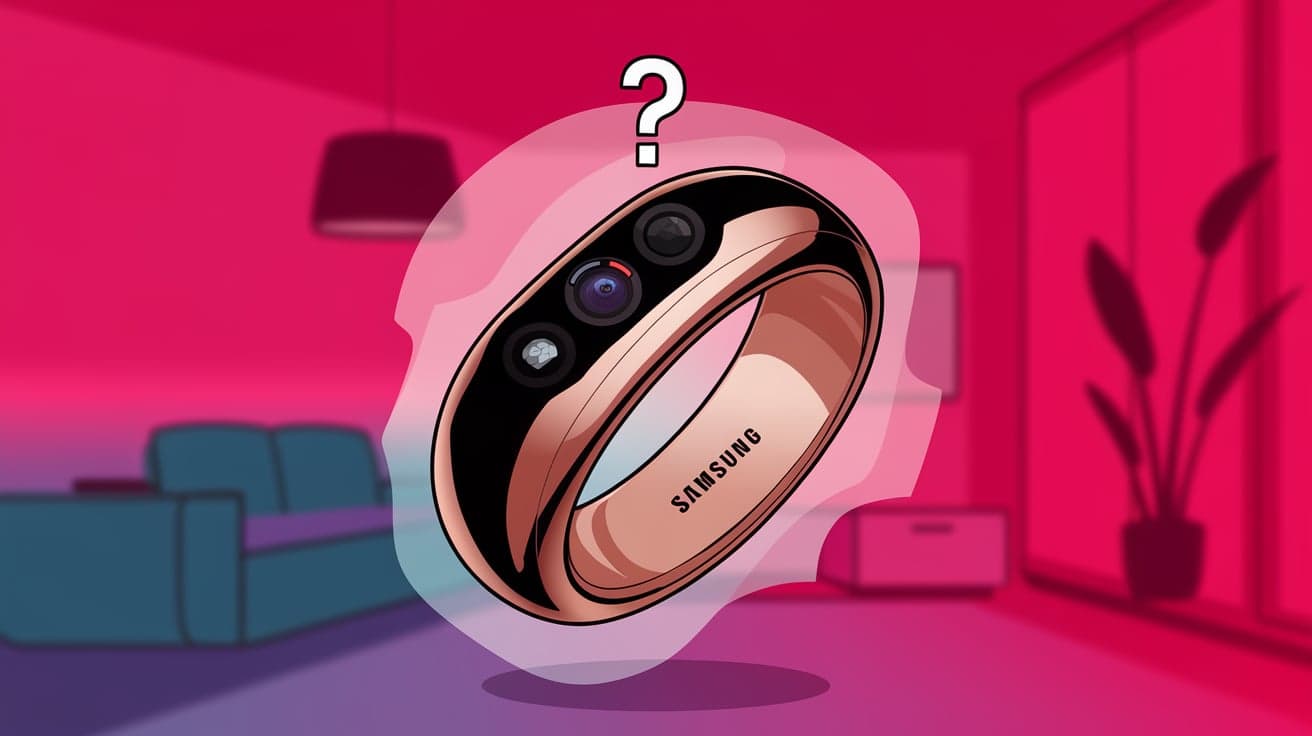
Smart rings like the Samsung Ring (or Galaxy Ring, as it might be called officially) are gaining attention as the next big thing in wearable tech. These tiny devices promise to track your health, monitor sleep, and even act as a smart assistant. But if you’re an iPhone user, the big question is: will Samsung Ring work with your iPhone? The good news is that Samsung is no stranger to creating devices that support cross-platform use. However, the compatibility might not be as seamless as using Apple products.
This article dives deep into the details of whether Samsung’s smart ring will work with an iPhone and what you should expect.
What Is the Samsung Ring?
The Samsung Ring is a smart wearable device designed to offer health tracking, activity monitoring, and potentially some smartwatch-like features. It’s part of Samsung’s push into the wearable health market, competing with devices like the Oura Ring or Apple Watch.
Key features expected from the Samsung Ring:
Advanced health tracking (heart rate, blood oxygen, and stress levels).
Sleep monitoring with detailed insights.
Integration with Samsung Health and other smart device ecosystems.
Minimalist design for all-day wear.
The compact size and smart capabilities make it an exciting option for people who prefer discreet wearables.
Does Samsung Ring Work with iPhone?
Yes, the Samsung Ring is expected to work with the iPhone, but with some limitations. Samsung has previously made its wearables, such as the Galaxy Watch, compatible with iOS through apps like Samsung Health and Galaxy Wearable. However, you might not get full access to all features compared to pairing the ring with a Samsung device.
How the Compatibility Works
Samsung Health App: The primary way the Samsung Ring will sync with an iPhone is through the Samsung Health app, which is available on the App Store. This app will likely let you track health data like steps, heart rate, and sleep.
Firmware Updates: Some firmware updates for the Samsung Ring may require a Samsung device, similar to how Galaxy Watches sometimes need an Android phone for software updates.
Features That Might Work with iPhone
When paired with an iPhone, the Samsung Ring will still offer a variety of features, although its full potential might be limited. Here’s what you can likely expect:
1. Basic Health Tracking
The Samsung Ring will collect basic health metrics, including:
Heart rate monitoring.
Step counting.
Sleep tracking.
These metrics should sync to the Samsung Health app on your iPhone, allowing you to view daily trends and goals.
2. Sleep Insights
Samsung has emphasized sleep tracking in its wearable lineup. When paired with an iPhone, the ring should provide insights like sleep stages, duration, and overall quality.
3. Activity Monitoring
The ring can track activities like walking, running, and workouts. These activities will sync with the Samsung Health app for progress tracking.
Features That May Not Work with iPhone
While you’ll get basic functionality, there are certain features that may not be available or fully functional when using the Samsung Ring with an iPhone:
1. Limited App Integration
Samsung devices often have a deep integration with their apps and ecosystem. While the Samsung Health app is available for iOS, other apps or services, such as Samsung-exclusive fitness programs, might not work.
2. Advanced Features
Some advanced features, like stress tracking or body composition analysis, might require a Samsung Galaxy phone or tablet for setup or calibration.
3. Firmware Updates
Just like Samsung Galaxy Watches, firmware updates for the Samsung Ring might not be possible directly through an iPhone. You may need access to a Samsung device to update the software.
How to Use Samsung Ring with iPhone
If you plan to use the Samsung Ring with your iPhone, here’s a step-by-step guide:
1. Install Samsung Health
Download the Samsung Health app from the App Store. This app will be your hub for syncing and managing data from the Samsung Ring.
2. Pair the Ring with the App
Follow the instructions in the Samsung Health app to pair your Samsung Ring. Ensure Bluetooth is enabled on your iPhone for a smooth connection.
3. Set Up Health Metrics
Customize the metrics you want to track, such as activity goals or sleep monitoring. The app will walk you through the setup process.
4. Sync Data Regularly
Keep the app and your Samsung Ring connected to sync data regularly. This ensures you always have updated stats on your health and activities.
Comparing Samsung Ring with Other Devices for iPhone Users
If you’re considering the Samsung Ring as a wearable for your iPhone, it’s worth comparing it to similar devices:
| Feature | Samsung Ring | Apple Watch | Oura Ring |
| Compatibility | Limited with iPhone | Fully compatible with iPhone | Fully compatible with iPhone |
| Health Tracking | Basic metrics, advanced features limited | Comprehensive health tracking | Advanced health tracking |
| Design | Minimalist, lightweight | Larger screen and visible notifications | Minimalist, lightweight |
| Battery Life | Expected to last several days | 1–2 days | 4–7 days |
| Price | TBD (likely competitive) | Starts at $399 | Starts at $299 |
If you value seamless integration with your iPhone, the Apple Watch might be a better fit. However, if you’re looking for a discreet wearable with great health tracking, the Oura Ring or Samsung Ring could be worth considering.
Pros and Cons of Using Samsung Ring with iPhone
Pros:
Compact design and comfortable for all-day wear.
Tracks essential health metrics like heart rate and sleep.
Compatible with the Samsung Health app on iOS.
Cons:
Limited features compared to pairing with Samsung devices.
Potential challenges with firmware updates or advanced features.
Lack of deep integration with Apple’s Health ecosystem.
Should You Use the Samsung Ring with iPhone?
The Samsung Ring is a promising device, but it may not be the best choice if you’re an iPhone user looking for full functionality. If you already use other Samsung products or want a minimalist wearable, the Samsung Ring can still be a good option. However, for a smoother experience, Apple Watch or Oura Ring might be more suitable alternatives.
Summary
So, does the Samsung Ring work with iPhone? Yes, but with limitations. While you can use the Samsung Health app to sync health data, advanced features and seamless integration may require a Samsung device. If you’re looking for basic health tracking in a discreet design, the Samsung Ring might still meet your needs. However, for full compatibility and better ecosystem integration, an Apple Watch or Oura Ring could be a better fit.
FAQs
Will the Samsung Ring connect to my iPhone without issues?
Yes, the Samsung Ring can connect to your iPhone via the Samsung Health app, but some features may not be available.
Can I track my sleep using the Samsung Ring with an iPhone?
Yes, the Samsung Ring can track sleep and provide basic insights when paired with an iPhone.
Are firmware updates possible for the Samsung Ring on iPhone?
Firmware updates may require a Samsung Galaxy phone or tablet, as they aren’t always supported on iOS.
How does the Samsung Ring compare to the Apple Watch?
The Apple Watch offers better compatibility and more features for iPhone users, while the Samsung Ring is more discreet and focused on health tracking.
Is the Samsung Ring worth buying for iPhone users?
It depends on your priorities. If you want a compact wearable for basic health tracking, the Samsung Ring could work. However, for full iPhone integration, the Apple Watch is a better choice.
Also read -