Does iPhone 13 Have a SIM Card?
The iPhone 13 is one of Apple's most popular models, packed with powerful features and modern technology. If you’re wondering whether this device uses a physical SIM card or relies on something else, you’re not alone. The answer depends on how you plan to use your iPhone 13 and which carrier or region you’re in.
This article will break everything down, from whether the iPhone 13 supports physical SIM cards to how to set up its eSIM feature, so you can make the most out of your phone.
Does iPhone 13 Have a Physical SIM Card Slot?
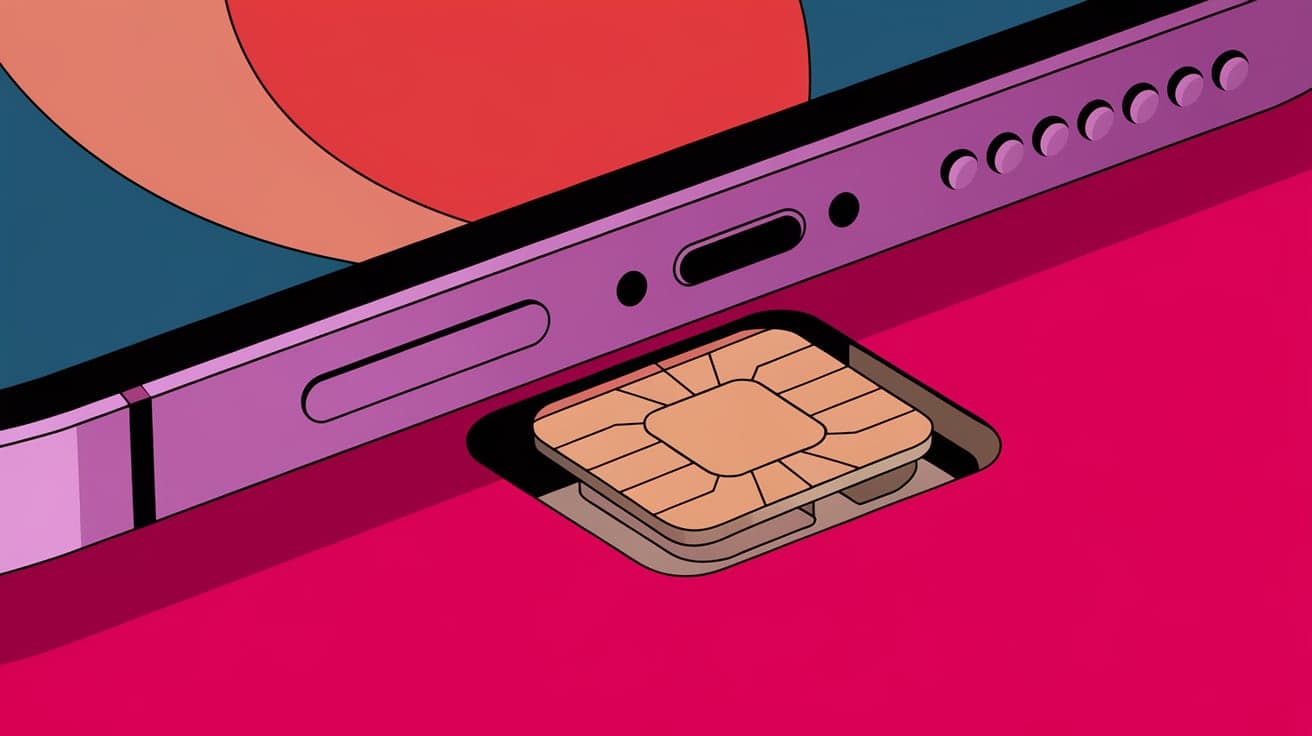
Yes, the iPhone 13 comes with a physical SIM card slot in most regions. This means you can insert a nano-SIM card provided by your carrier to get started. The physical SIM slot is located on the right side of the device, below the power button.
How to Insert a SIM Card into an iPhone 13
Locate the SIM card tray on the side of your iPhone 13.
Use the SIM ejector tool that comes in the box (or a small paperclip) to open the tray.
Place your nano-SIM card into the tray with the gold contacts facing downward.
Push the tray back into the phone until it clicks.
Once inserted, your iPhone 13 should automatically detect the SIM card and connect to your carrier’s network. If it doesn’t, restarting the device or contacting your carrier can help.
What is an eSIM, and Does iPhone 13 Support It?
Alongside the physical SIM slot, the iPhone 13 also supports eSIM technology. An eSIM is a digital SIM that allows you to activate a cellular plan without inserting a physical card. This feature is especially useful if you want to use dual SIMs or switch between carriers easily.
How to Activate an eSIM on iPhone 13
Open the Settings app.
Go to Cellular or Mobile Data.
Tap Add Cellular Plan.
Scan the QR code provided by your carrier or enter the details manually.
Follow the on-screen instructions to complete the setup.
Once activated, the eSIM works just like a physical SIM, letting you make calls, send texts, and use data.
Benefits of eSIM:
No need to carry a physical SIM card.
Allows dual SIM functionality (one physical SIM and one eSIM).
Easier to switch carriers or plans.
Dual SIM Functionality on iPhone 13
The iPhone 13 supports dual SIM functionality, which means you can use two SIMs simultaneously. This is a great feature if you want to separate work and personal numbers or if you’re traveling and need to use a local SIM card.
How Dual SIM Works
Option 1: One physical SIM + one eSIM.
Option 2: Two eSIMs (available on some models with iOS 16 or later).
You can set a primary line for calls and messages and a secondary line for data or backup communication. Managing both lines is simple through the Settings app.
Switching Between SIMs
To switch between SIMs for calls or data:
Go to Settings > Cellular.
Select the line you want to use for cellular data or as the primary number.
Regional Variations: SIM Card Slot or eSIM-Only?
In some regions, the iPhone 13 is eSIM-only. For example, certain U.S. models sold through major carriers like AT&T or T-Mobile may not include a physical SIM card slot. This shift is part of Apple’s push toward a fully digital future, but it might not be ideal for everyone.
Key Differences
Physical SIM Slot (Most Models): Available in most countries and unlocked models.
eSIM-Only Models: Common in specific regions or carrier-locked devices.
Tip: Check your iPhone’s specifications or consult with your carrier before purchasing to ensure compatibility with your preferred SIM type.
Why Does Apple Include eSIM Technology?
Apple introduced eSIM technology to simplify how you manage cellular plans. Unlike traditional SIM cards, an eSIM is built into the phone’s hardware, making it easier to activate and switch between carriers. It also saves space inside the device, leaving more room for advanced features like larger batteries or better cameras.
Advantages of eSIM for iPhone 13:
Eco-friendly (no plastic SIM cards required).
Quick activation and plan changes.
Supports multiple carriers for travelers or dual numbers.
Challenges with eSIM and Physical SIM Cards
While the flexibility of dual SIM and eSIM is a significant advantage, there are some challenges to consider:
1. Limited Carrier Support
Not all carriers support eSIM, especially in smaller markets. Before relying on an eSIM, check whether your carrier offers this service.
2. Harder to Transfer eSIM
Switching an eSIM to another phone can be less straightforward than moving a physical SIM card. You might need to contact your carrier for reactivation.
3. Compatibility Issues
If you’re using an older SIM card or switching from a non-iPhone device, you may need to replace your SIM to ensure compatibility with the iPhone 13.
How to Check If Your iPhone 13 Has an Active SIM or eSIM
If you’re unsure whether your iPhone 13 has an active SIM or eSIM, here’s how to check:
Open the Settings app.
Tap Cellular or Mobile Data.
Look for active lines under SIMs or Cellular Plans.
This section will show whether a physical SIM, eSIM, or both are in use.
Summary
So, does the iPhone 13 have a SIM card? Yes, most iPhone 13 models come with a physical SIM card slot, and all models support eSIM technology. This dual functionality gives you the freedom to choose what works best for you, whether that’s using a traditional nano-SIM, activating an eSIM for convenience, or even using both at the same time for dual SIM capabilities.
The combination of physical SIM and eSIM in the iPhone 13 offers flexibility, whether you’re traveling, managing multiple numbers, or switching carriers. By understanding how these features work, you can make the most of your iPhone’s connectivity options.
FAQs
Does the iPhone 13 have a physical SIM card slot?
Yes, most iPhone 13 models have a physical SIM card slot, except for certain eSIM-only models sold in specific regions.
Can I use dual SIMs on iPhone 13?
Yes, the iPhone 13 supports dual SIM functionality with one physical SIM and one eSIM or, in some cases, two eSIMs.
How do I activate an eSIM on my iPhone 13?
You can activate an eSIM by going to Settings > Cellular > Add Cellular Plan, and scanning the QR code provided by your carrier.
What happens if I lose my eSIM QR code?
Contact your carrier for a replacement QR code or instructions on how to reactivate your eSIM.
Is eSIM better than a physical SIM?
It depends on your needs. eSIMs are more convenient for switching carriers or plans but might not be supported by all carriers. Physical SIMs are easier to transfer between devices.
Also read -